Turn Any Picture Into a Plus-Plus 2D Mosaic
May 20, 2026 · 3 min read · Plus-Plus Builds
Upload any image in Plus-Plus Creator Studio and convert it into a customizable, printable 2D mosaic build. Try examples, adjust grid size, match your colors, and print instructions.
You can now turn any picture into a Plus-Plus 2D mosaic with Plus-Plus Creator Studio.
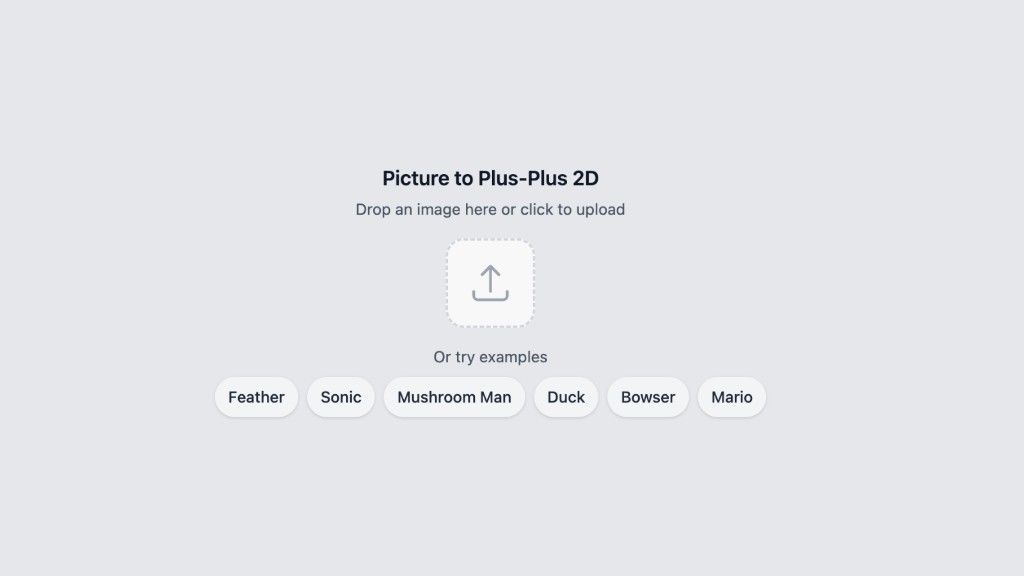
Simply upload an image and Creator Studio will automatically convert it into a printable Plus-Plus 2D build that you can customize, save, edit, or print.
Whether you want to recreate characters, animals, pixel art, or your own photos, Creator Studio makes it easy to build with Plus-Plus in a whole new way.
Try Example Pictures
To make it easy to get started, I have added several example images you can try instantly.
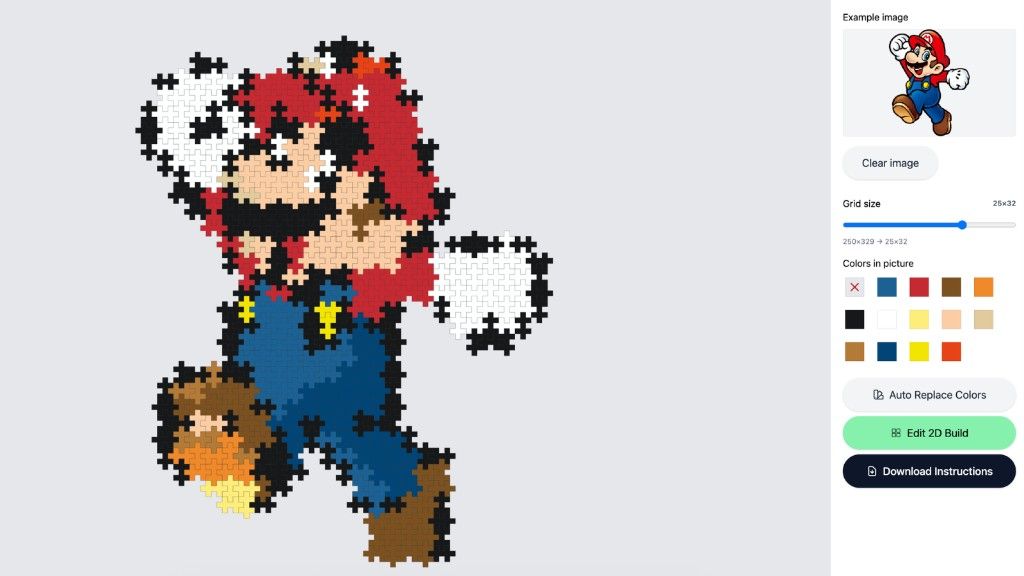
In this example, we will convert Super Mario into a Plus-Plus mosaic build.
Choose the Right Grid Size
After uploading your image, Creator Studio will generate a suggested grid size automatically.
The grid size controls:
- how detailed the mosaic becomes
- how many Plus-Plus blocks are needed
- how large the final build will be
Smaller grids create simpler builds, while larger grids create more detailed mosaics.
You can freely adjust the size until you find a version you like best.
Replace and Customize Colors
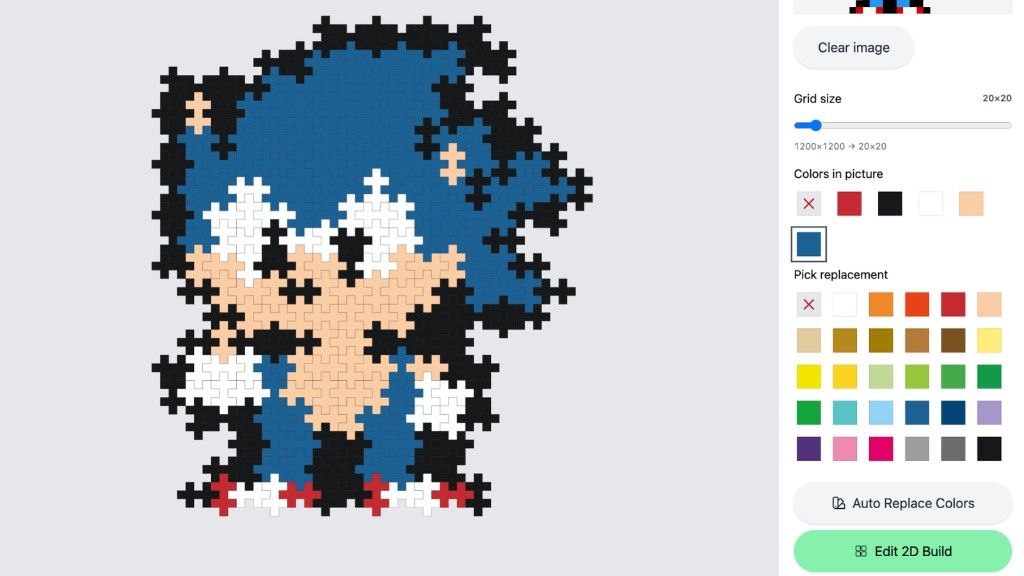
Once you are happy with the grid size, you can start customizing the colors.
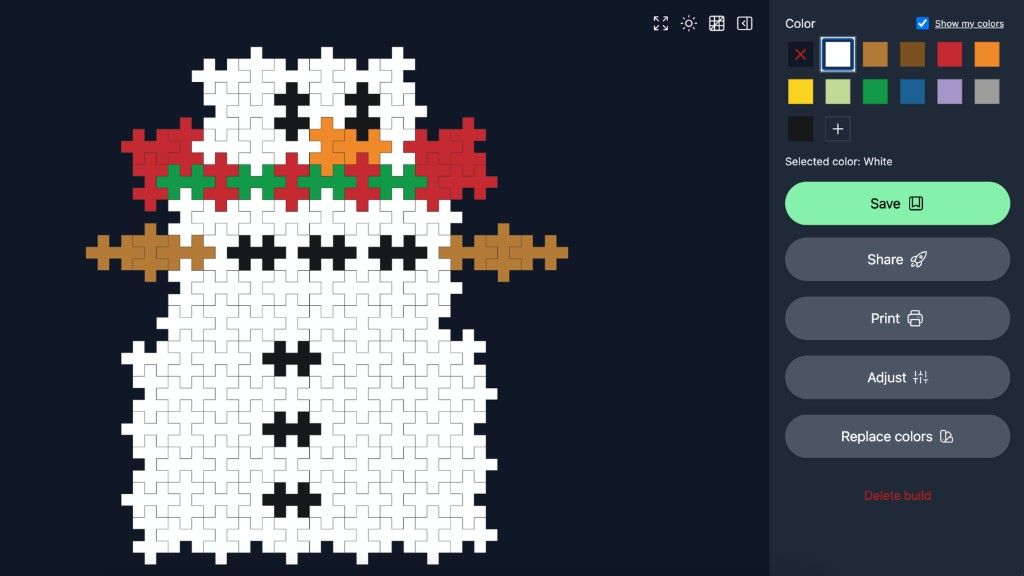
When clicking a color in the build, a “Pick Replacement” menu will appear where you can choose from all available Plus-Plus colors added to Creator Studio so far.
This makes it easy to:
- match your own collection
- create custom color styles
- experiment with different looks
All changes update instantly.
Auto Replace Colors Using Your Own Collection
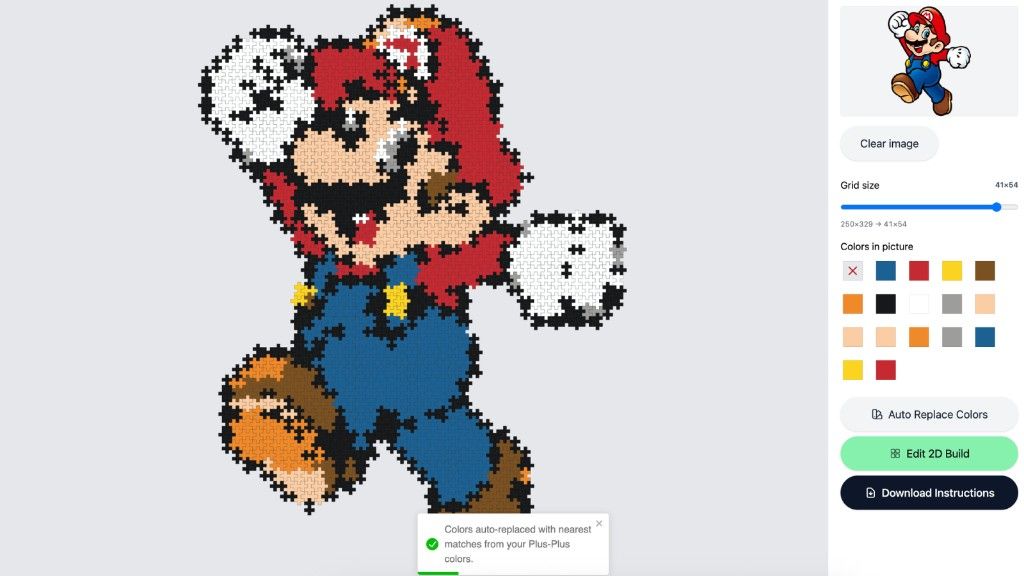
If you have already added your Plus-Plus collection in Creator Studio, you can also use:
Auto Replace Colors
This feature automatically replaces colors in the mosaic with the closest matching colors from your own Plus-Plus collection.
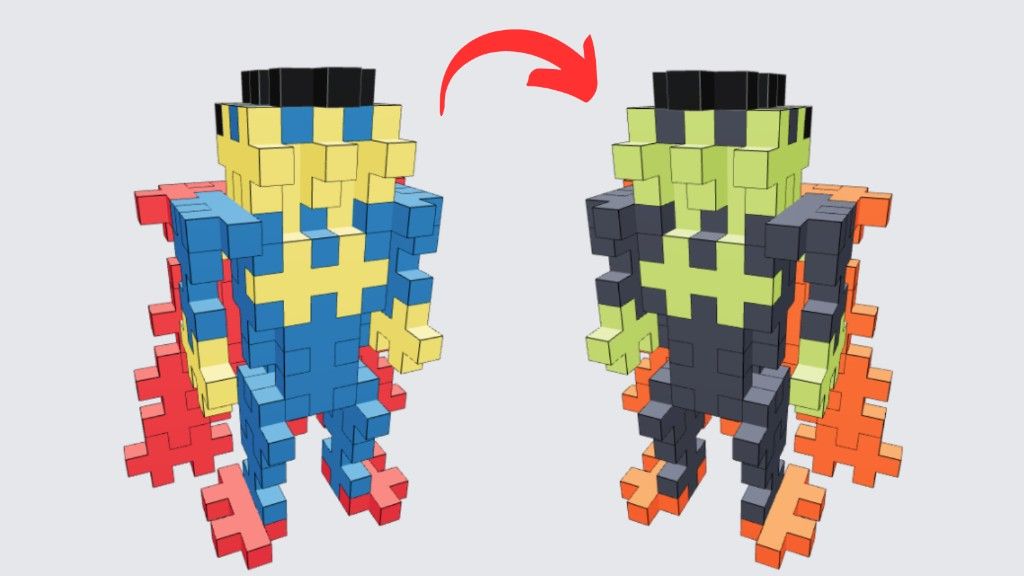
That means you can instantly generate mosaics that are actually buildable with the blocks you already own.
Edit and Print Your Build
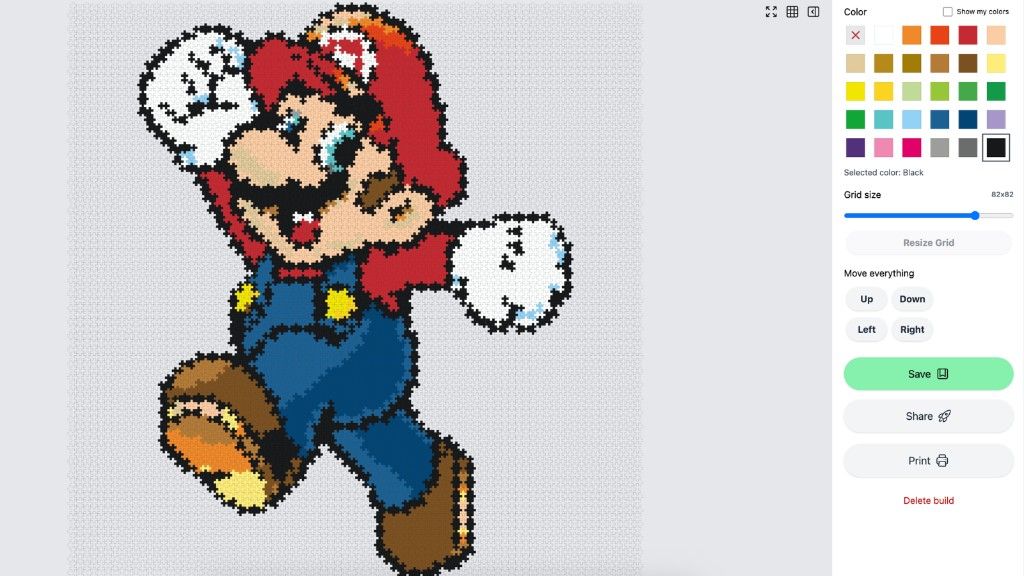
If there is anything you want to change, you can continue editing the mosaic however you like before printing.
Once you are ready, you can print:
- the full build
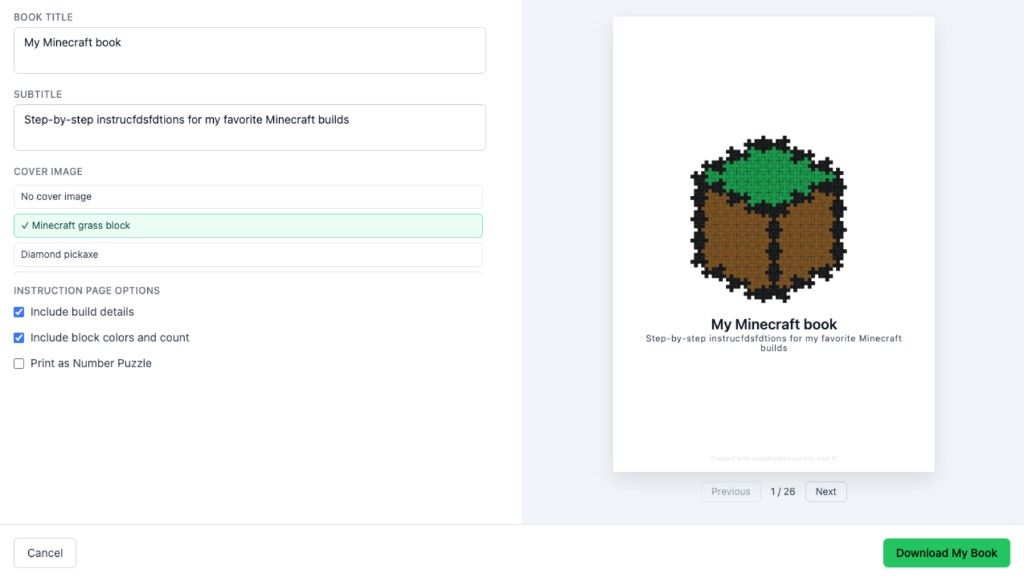
- printable instructions
- color layouts
- block overviews
Perfect for:
- creative projects
- classrooms
- gifts
- pixel art
- screen-free building fun
Try Plus-Plus Creator Studio
You can try Plus-Plus Creator Studio for free and explore many of the features already available.
The “Upload Any Picture” feature is included with Creator Studio Pro and can be tried free for 7 days with no commitment.
Stay tuned for many more amazing Plus-Plus features coming soon.
Happy building 🙌
About the author