Plus-Plus Creator Studio: Create, Customize & Print Builds
Apr 30, 2026 · 3 min read · Plus-Plus Builds
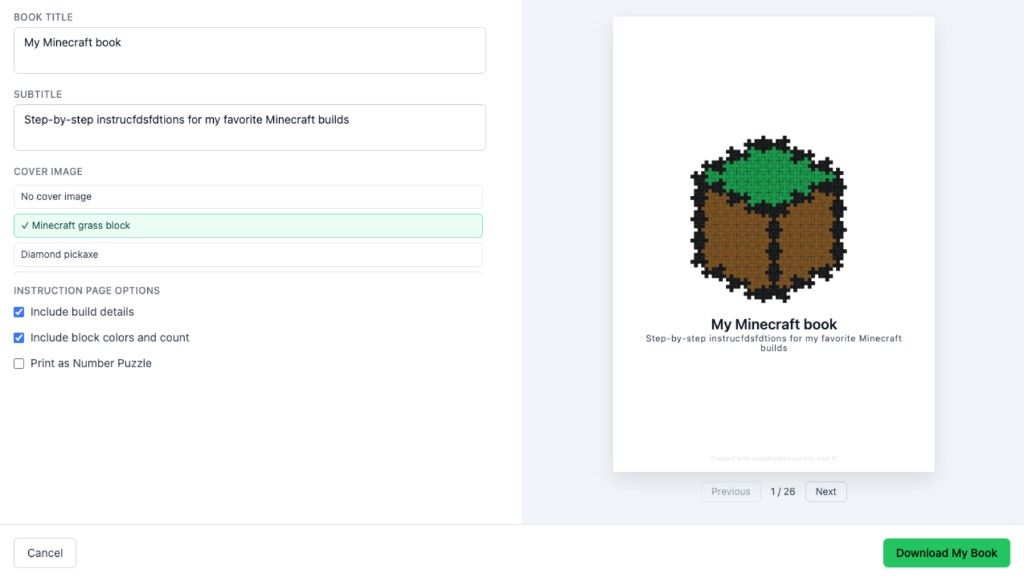
Discover Plus-Plus Creator Studio - a new tool to create builds, filter by your pieces, turn images into mosaics, and generate printable instructions. Perfect for kids, parents and creative builders.
Plus-Plus Creator Studio is now live
Over the past months, I've received more than 300 pieces of feedback, suggestions, and feature requests.
A few themes kept coming up again and again:
"I want to be able to add my own Plus-Plus collection"
"Save my builds so I never lose them"
"Show me what I can actually build with my colors"
"I want to save my favorite builds"
So I decided to build exactly that.
Introducing Plus-Plus Creator Studio
Creator Studio is a simple way to become part of the Plus-Plus building community.
When you join, you:
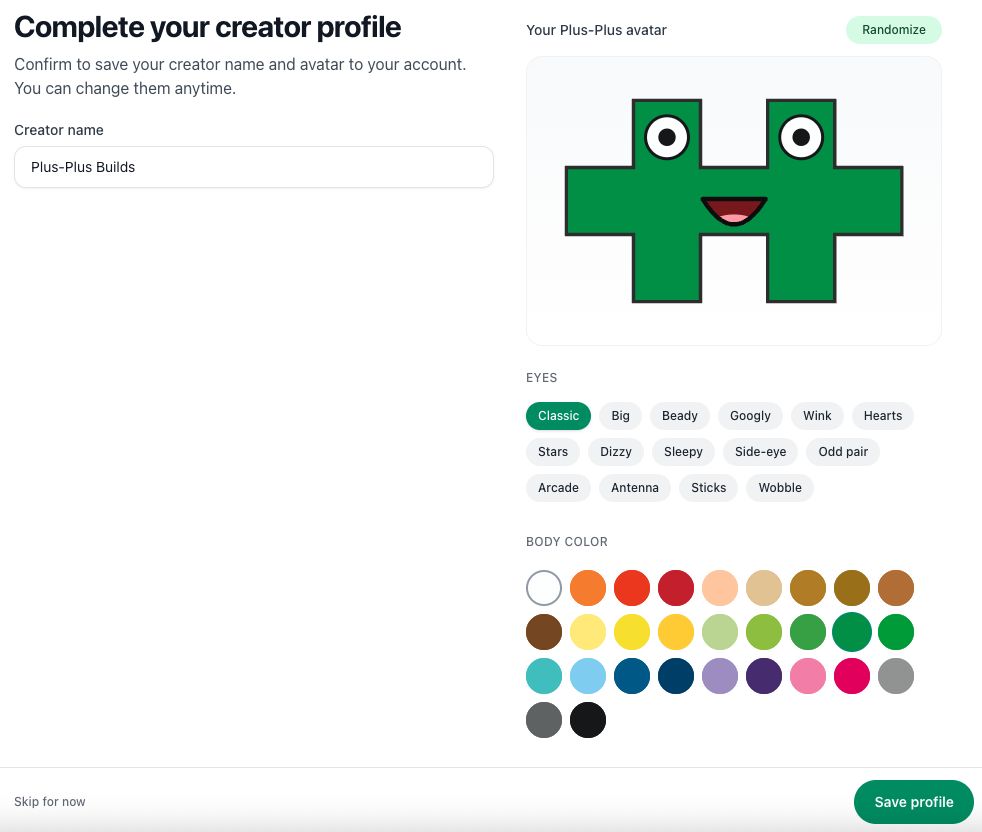
- Pick your own avatar and creator name
- Log in with a magic link (no passwords to remember)
- Get a short onboarding guide to help you get started
The goal is to make it easy to go from idea -> build -> saved creation without friction.
Pick your avatar and creator name
You start by creating your identity as a builder.
Choose:
- Your favorite Plus-Plus color
- Eyes (more customization like mouths will come later)
- A creator name
Your creator name is what others will see when you share builds.
Add your Plus-Plus collection
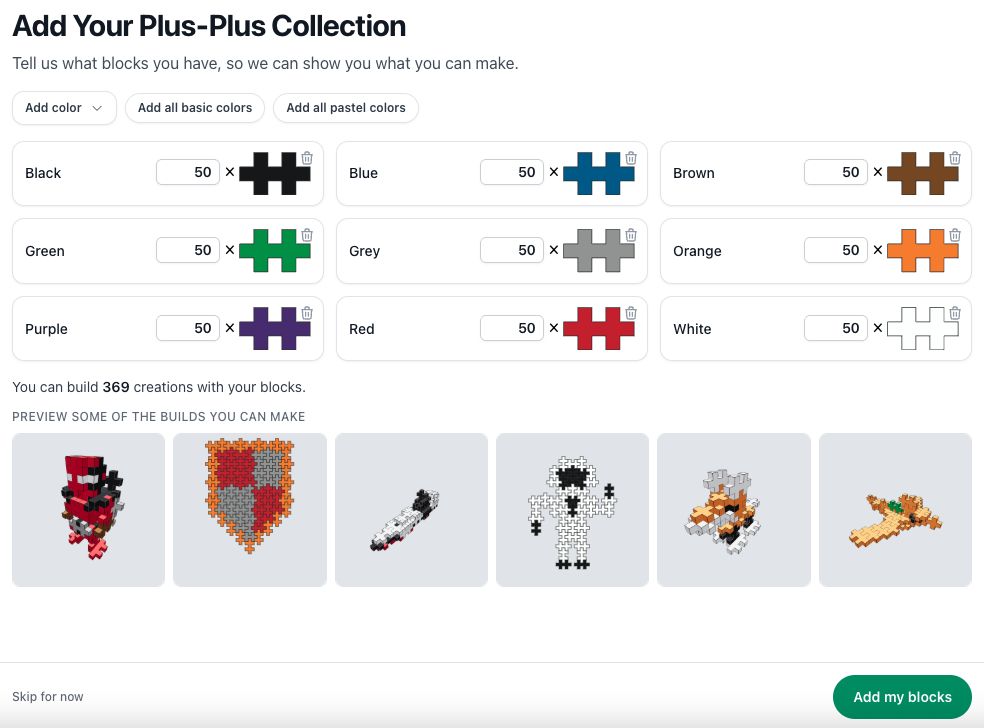
Next, you add the pieces you actually own.
It's simple:
- Add colors one by one
- Or quickly add all basic or pastel colors
- Adjust quantities if you want (default is 50)
Don't overthink this part-you can always update it later.
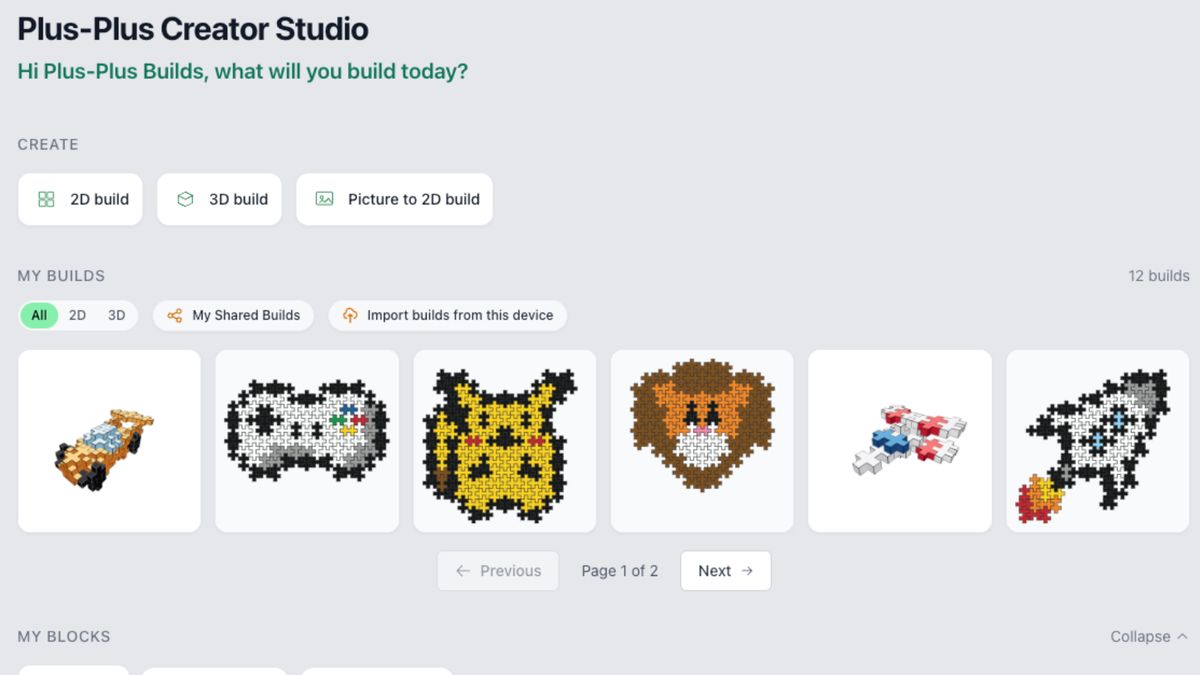
As soon as you've added a few colors, Creator Studio will start showing you builds you can already make.
See what you can build
This is one of the most powerful parts of Creator Studio.
Instead of guessing, you can:
- Filter builds based on your colors
- Discover designs that match your collection
- Adjust builds to fit what you own
It helps you spend less time searching-and more time building.
Start building & save your creations
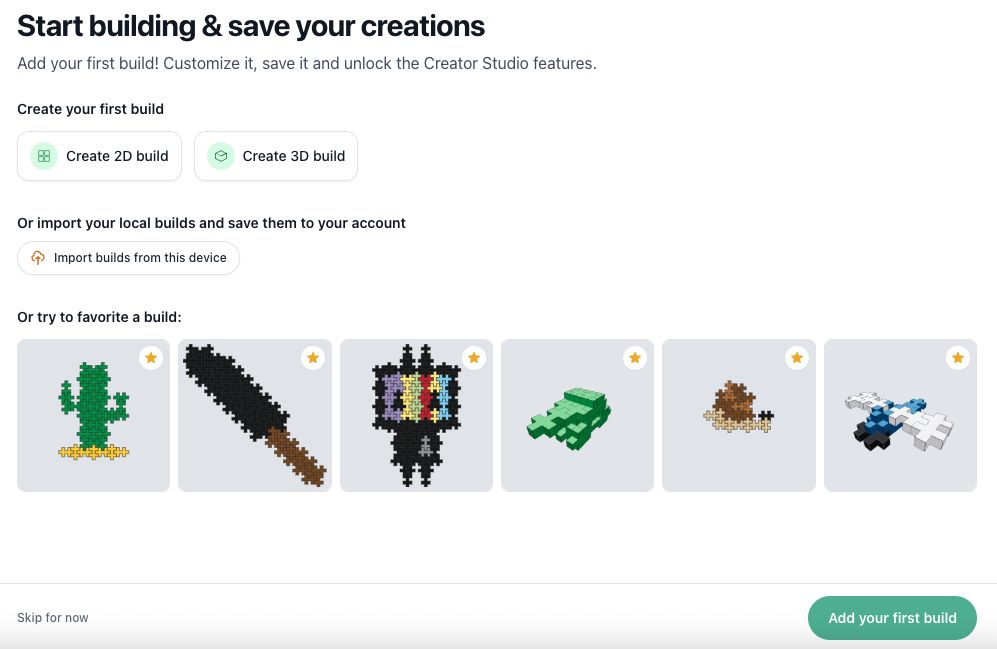
Once you're set up, you can:
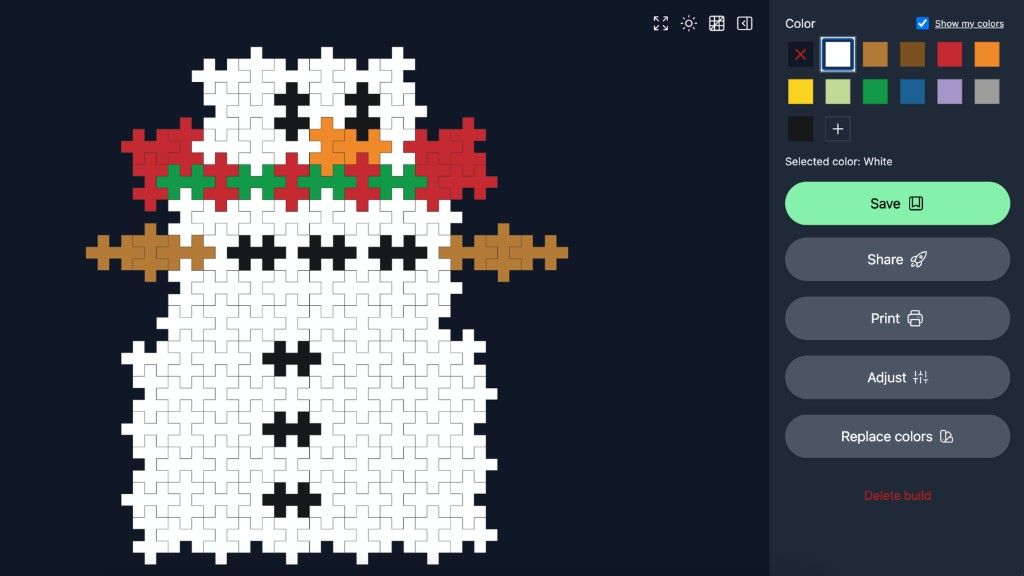
Create your own builds
Use the improved 2D and 3D builder (more on that soon).
Save your builds to the cloud
If you've made builds before, you can import them and save them to your account-so you never lose them.
Save your favorites
See a build you like? Click the ⭐ icon to save it.
You can favorite builds:
- From the main library
- Inside the 2D and 3D builder
This makes it easy to build up your own collection of ideas.
Explore what Creator Studio can do
There's a lot more to try:
- Turn a picture into a 2D Plus-Plus mosaic
- Create alternative builds using your colors
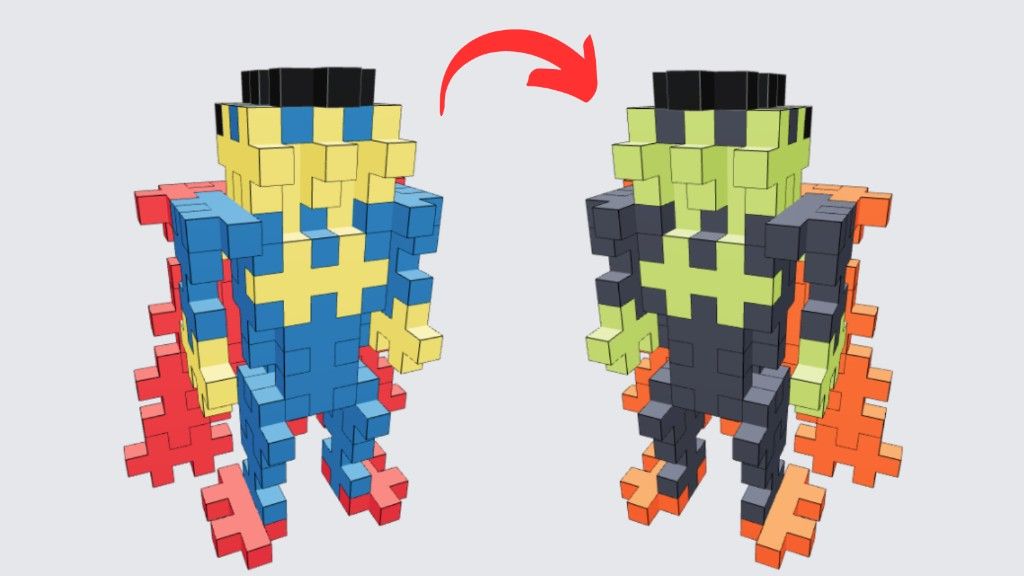
- Replace colors in instructions in real time
- Convert builds into "Puzzle by Number"
- And more features coming soon
I'd love your feedback
Creator Studio is built based on community input-and I'm continuing to improve it.
If you have ideas or run into issues, you can share them here:
Share feedback or report an issue
I read everything.
If you want to support the project
I'll be honest-my goal is to turn this into a sustainable full-time project.
Creator Studio is completely fan-made and not sponsored by Plus-Plus.
If you find it useful and want to support it, you can become a member.
Membership helps:
- Keep the project running
- Fund new features
- And gives you access to Pro tools (which I'll keep improving over time)
You can see the options here:
Try Plus-Plus Creator Studio
You can start using it here:
About the author