Plus-Plus 3D Builds Bigger Than Ever - Now Up to 200 Blocks!
Jun 26, 2026 · 3 min read · Plus-Plus Builds
Plus-Plus 3D builds just got a huge upgrade. Increase your build limit from 100 to 200 blocks, use better step controls, fine-tune positioning, and edit blocks faster than ever in Creator Studio.
Plus-Plus 3D Builds Bigger Than Ever Before!
Hey Plus-Plus builders 👋
Some of you have been asking for one thing for a long time: bigger 3D builds.
I’m excited to finally release a major upgrade to Plus-Plus Creator Studio that makes this possible - and much more.
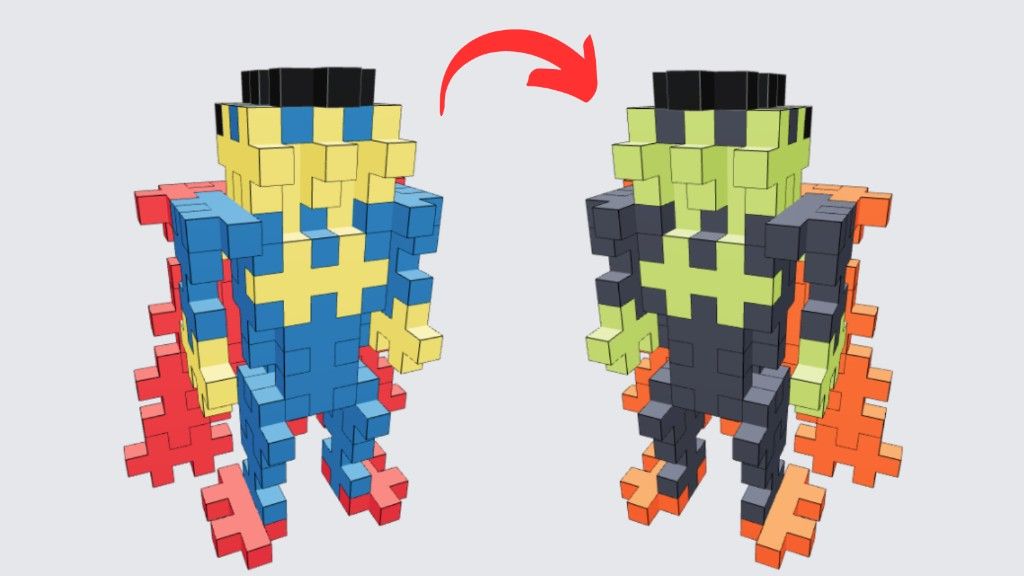
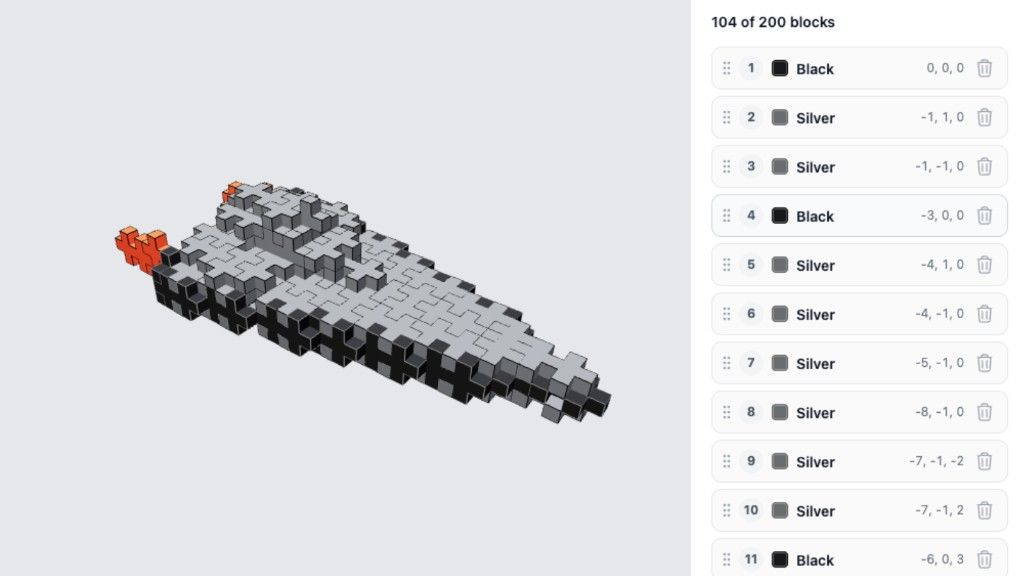
You can now create Plus-Plus 3D builds with up to 200 blocks, doubling the previous limit of 100.
Much Bigger 3D Builds (100 → 200 Blocks)
The biggest change in this update is the increased block limit for 3D builds.
Thanks to performance improvements, Creator Studio can now handle much larger models without slowing down. This opens up completely new possibilities for more detailed and complex creations.
Whether you’re building characters, structures, or experimental designs, you now have much more freedom to bring your ideas to life.
Improved Step-by-Step Progression
Building 3D models is now easier to follow with a completely improved step system.
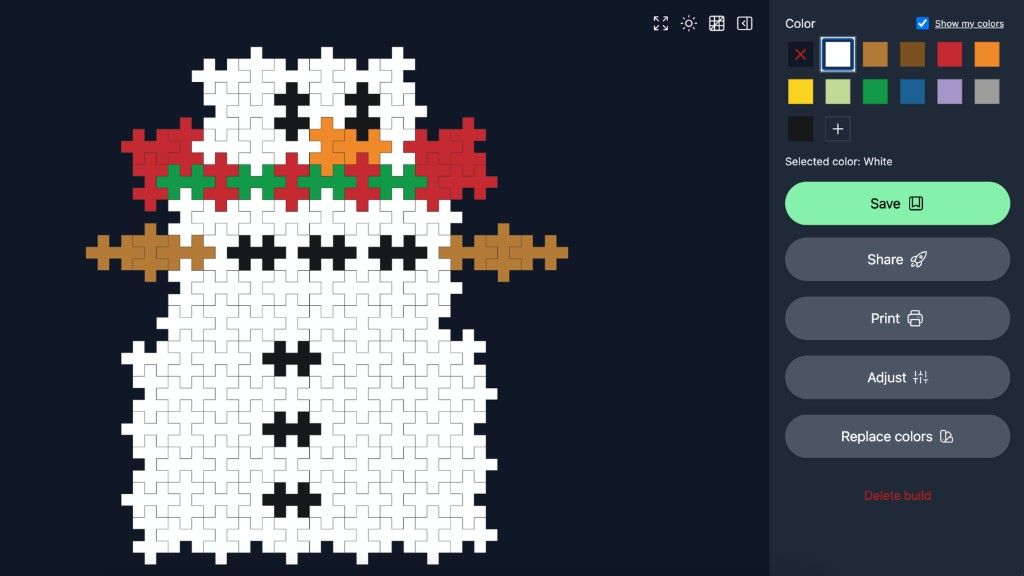
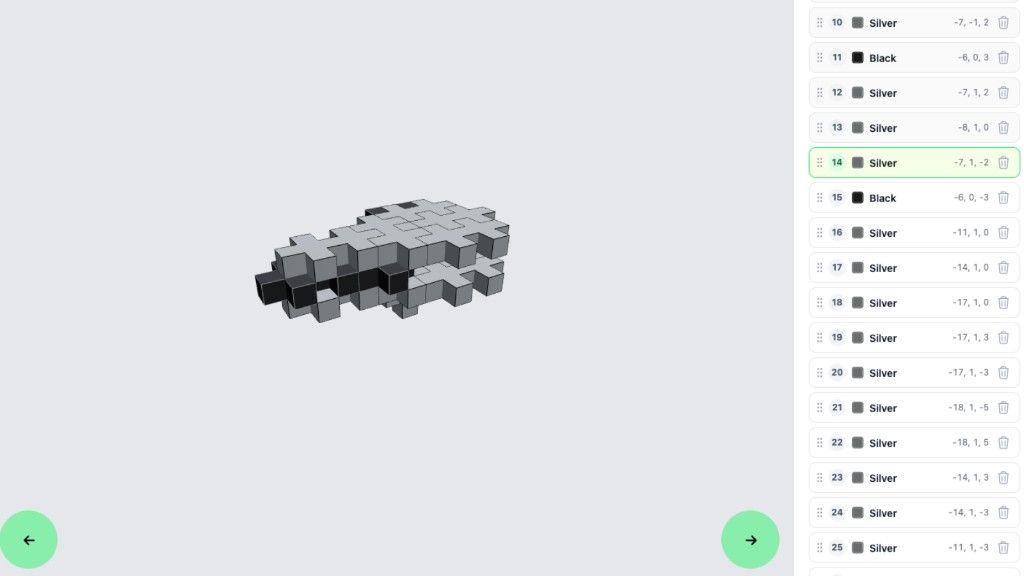
On desktop, you can now use arrow keys to move through each step while building. This makes it much faster to check your progress and ensure every step is correct.
The current step is also highlighted in the sidebar so you always know exactly where you are in the build process.
You can also drag and drop blocks to reorder steps, giving you full control over how your instructions are structured.
Fine-Tune Block Positioning
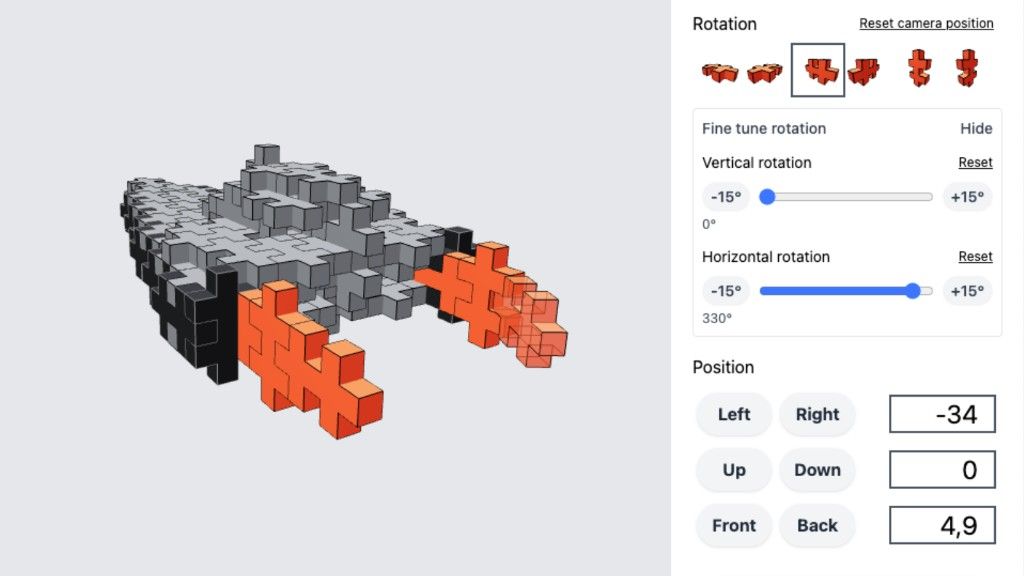
Another major improvement is the new fine-tune positioning system.
You can now adjust blocks both vertically and horizontally with much more precision. This makes it possible to achieve almost any rotation or alignment needed for advanced 3D builds.
Even better - the system now supports decimal values, so you can position blocks with extreme accuracy when needed.
This is especially useful for complex or symmetrical builds where small adjustments make a big difference.
Click to Edit Any Block
Editing your builds is now faster and more intuitive.
You can simply click on any block in your 3D model to instantly jump into edit mode. From there, you can quickly change:
- block color
- position
- placement
- or fine-tune its settings
This removes extra steps and makes editing much more direct while building.
Built for More Creative Freedom
This update is all about giving you more creative control.
Bigger builds, better editing tools, and smoother step navigation all work together to make 3D building in Plus-Plus Creator Studio more powerful than ever before.
Whether you’re a beginner or an advanced builder, these improvements are designed to help you build faster and more accurately.
Unlock Full Access in Creator Studio
The new fine-tune features and increased block limit are available through Plus-Plus Creator Studio.
If you want to unlock the full experience - including the 200 block limit and advanced editing tools, you can join Plus-Plus Creator Studio for free here:
What’s Next?
This is just one of many upcoming improvements to 3D building tools. More updates are already planned to make building even smoother, more powerful, and more fun.
Thanks for all your feedback and support, it really helps shape what gets built next.
Happy building 🙌
About the author