Plus-Plus 2D Builder: A Faster, Bigger & More Creative Way to Design Your Builds
Apr 30, 2026 · 4 min read · Plus-Plus Builds
Discover the upgraded Plus-Plus 2D Builder with a bigger grid, smarter color filtering, cleaner design mode, improved sharing, and better discovery tools.
As part of the new Plus-Plus Creator Studio, the 2D builder has also been significantly improved.
If you love creating pixel-style mosaics or designing your own Plus-Plus builds, this update is made for you.
The new Plus-Plus 2D builder includes a series of small but powerful improvements that make building smoother, more flexible, and much more creative.
What's New in the Plus-Plus 2D Builder?
This update focuses on one thing: making 2D building more powerful without making it more complicated.
Here's what's new.
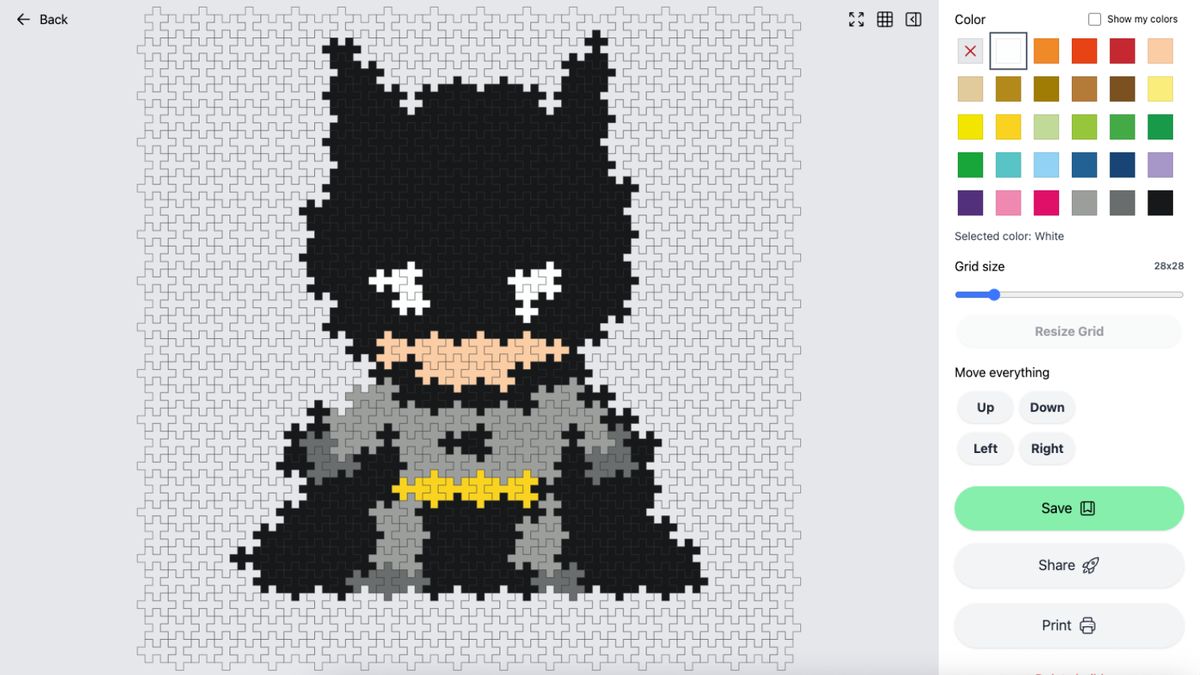
Bigger Grid: From 15x15 to 100x100
One of the biggest changes is the new grid system.
You can now build anywhere from:
- Small 15x15 designs
- All the way up to massive 100x100 mosaics
This unlocks a completely new level of creativity.
Before, users often had to remove details to fit inside the small grid. Now you can:
- Add more detail
- Create larger images
- Build and share giant Plus-Plus mosaics
This is especially powerful for advanced builders and pixel-art style creations.
Tip: Start with Picture-to-Mosaic (Early Access)
If you want to build something big but don't know where to start, try this:
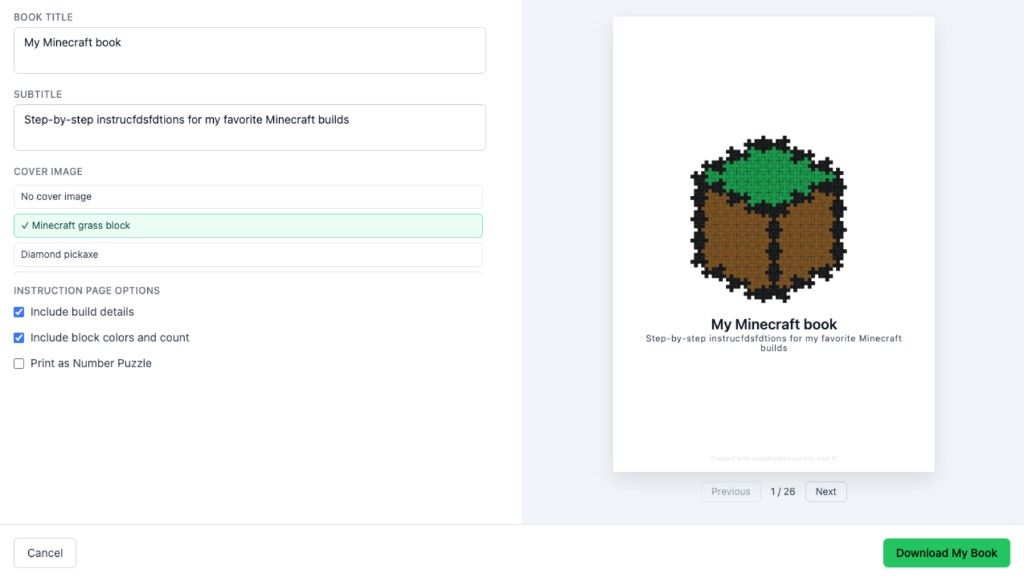
Open Picture to Mosaic (early access)
You can:
- Upload or select an image
- Turn it into a Plus-Plus mosaic
- Use it as a starting point for your build
There are also example images you can try before becoming a member.
This is one of the easiest ways to create impressive builds quickly.
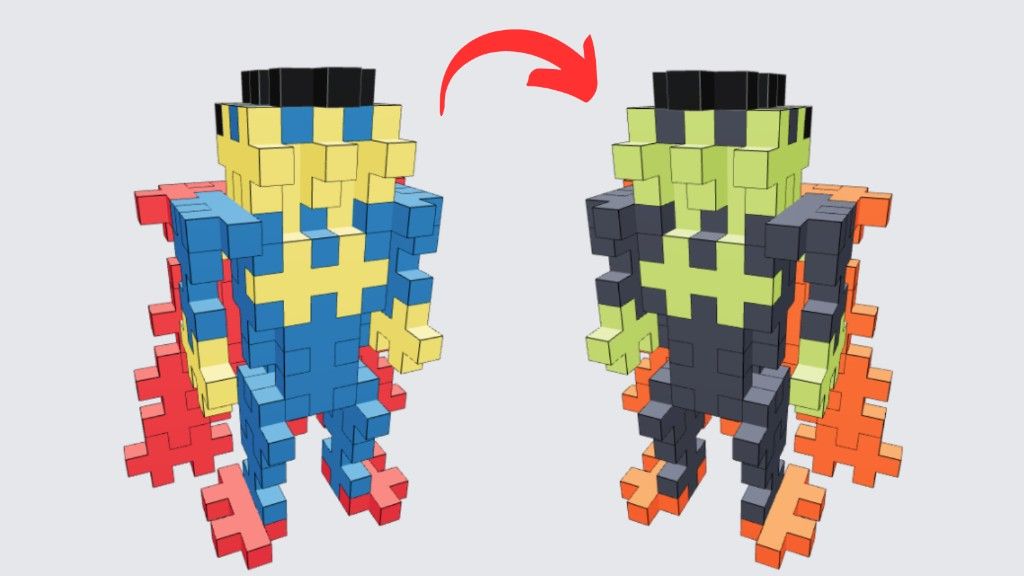
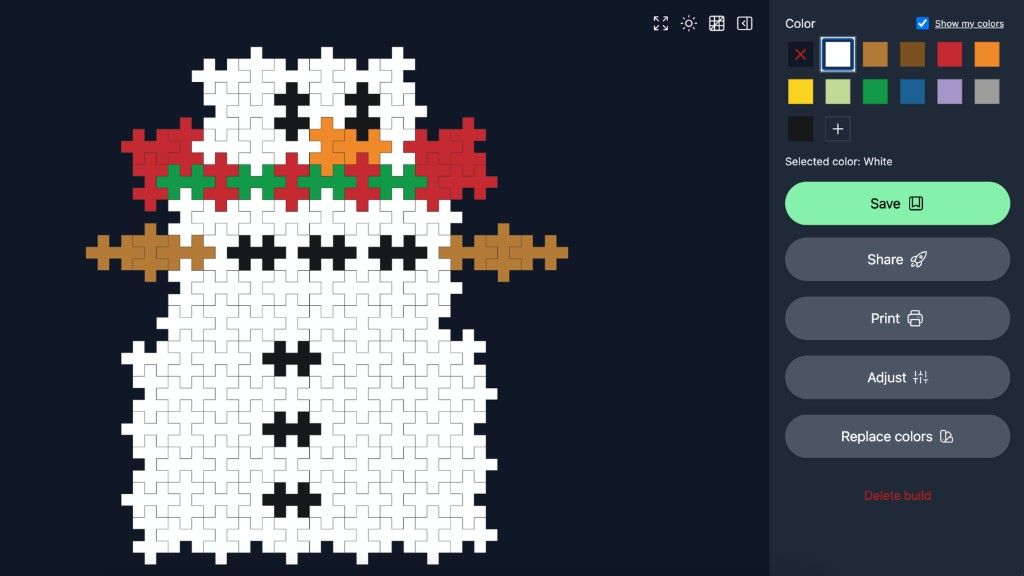
See Only the Colors You Own
A highly requested feature is now live.
If you've added your Plus-Plus collection in Creator Studio, the builder will automatically use your colors.
You can also toggle: Show my colors.
This makes building much more realistic because:
- You only see available pieces
- You avoid designing builds you can't complete
- You get a more accurate preview of your final creation
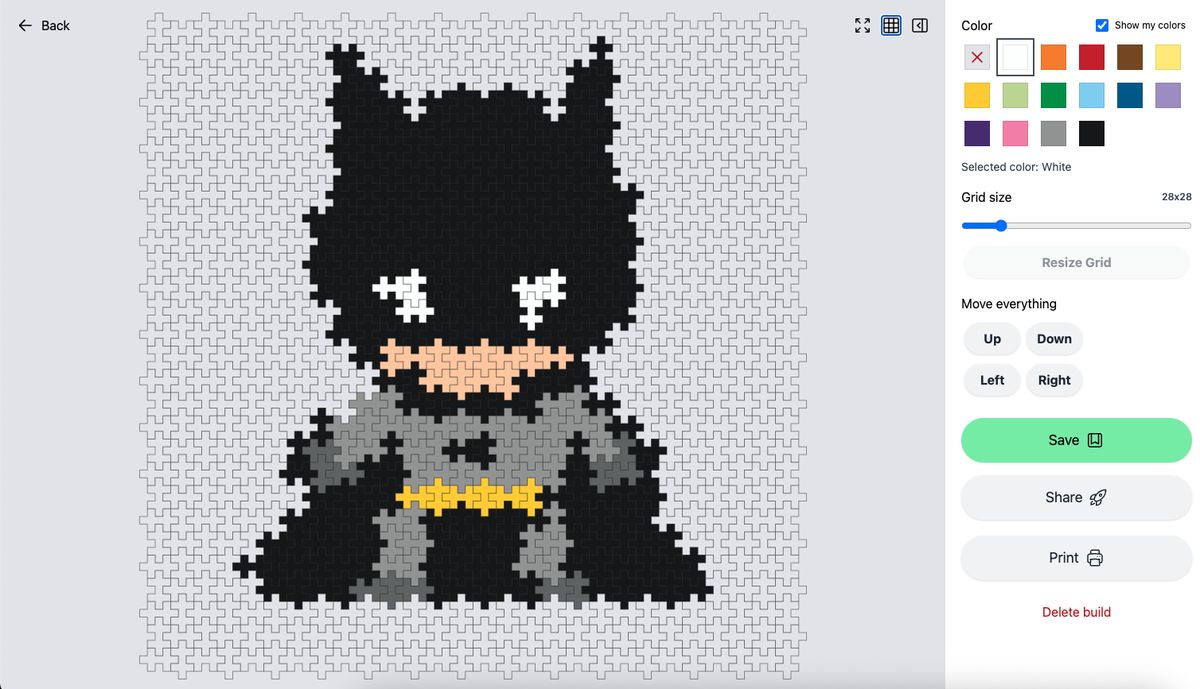
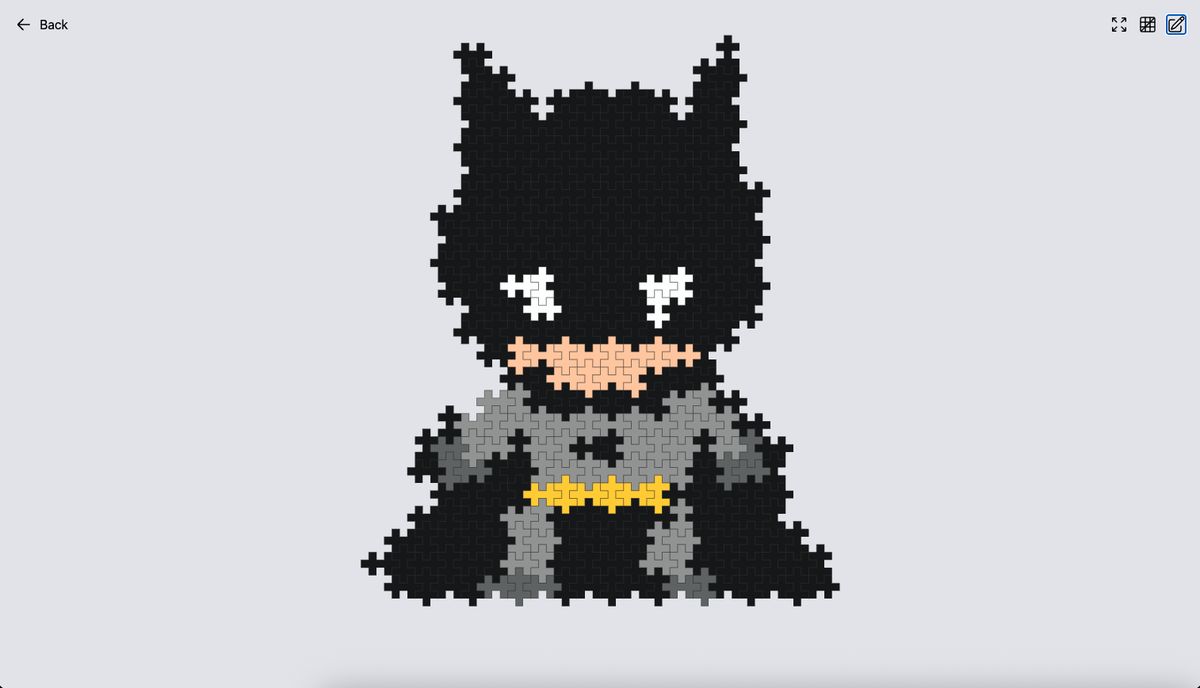
Toggle Grid On/Off for a Cleaner View
Sometimes you just want to see your design without distractions.
Now you can:
- Turn the grid on or off
- Focus purely on the design
- Get a better sense of how your finished build will look
You'll find this option in the top right corner of the builder.
Right next to it, you can also:
- Toggle the sidebar on/off
- Switch to a more minimal, zen-like building mode
Improved Sharing Experience
Sharing builds is now much more useful.
When you share a build:
- Others will see a preview of what it will look like once approved
- You get a more realistic representation of your design on the site
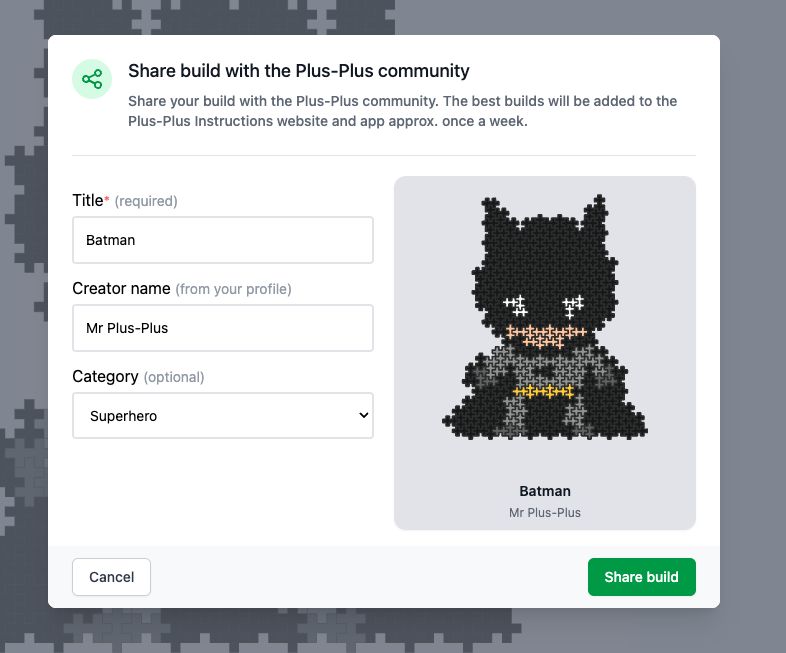
This makes it easier for other builders to understand your idea before opening it.
Better Categories for Discovery
When submitting a build, you can now:
- Select a category directly
- Help organize the growing library of builds
Previously, categories had to be added manually after submission. Now the process is much smoother.
More categories will be added over time as more builds are created in specific themes.
Why the Plus-Plus 2D Builder Matters
This update isn't just about new features-it's about unlocking creativity.
The goal is simple: make it easier to design, share, and build more meaningful Plus-Plus creations.
Whether you're:
- Making simple pixel art
- Designing complex mosaics
- Or experimenting with new ideas
The new builder gives you more control and freedom.
Try the New Plus-Plus 2D Builder
You can start using the updated builder right now:
Click "Create 2D" on Creator Studio
Support the Project
If you enjoy the Plus-Plus 2D builder and want to unlock more features like:
- Advanced tools
- Unlimited picture-to-mosaic usage
- Pro Creator Studio features
You can become a member and support the project.
This helps keep development going and unlocks more creative tools over time.
About the author